
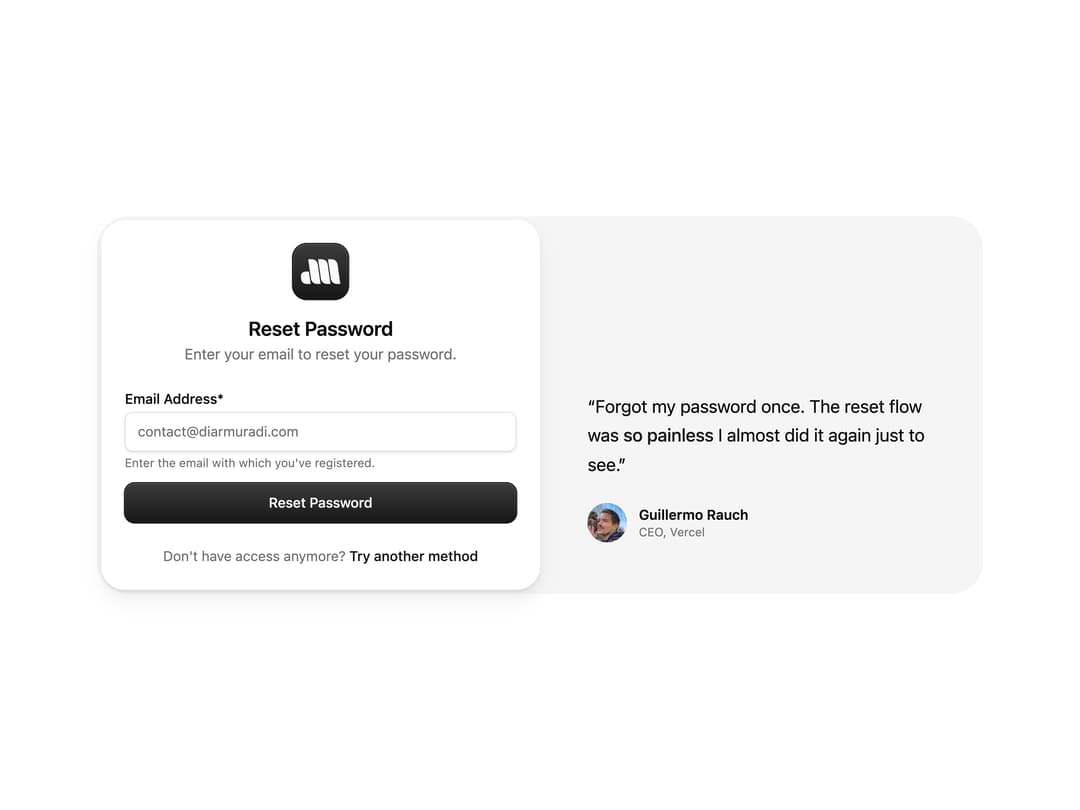
About
A split-screen reset-password form with an email field, submit button, and a customer testimonial panel for account-recovery pages.
Built with React and Tailwind. Copy the prompt and paste it into Claude Code, Cursor or Lovable: your agent adds Reset Password Form to your project and fits it to your theme.
Code
How Reset Password Form is used: the demo's code. The component's own source comes with a free account.
Usage.tsx
import ResetPassword from "@/components/ui/reset-password-1";

export default function ResetPasswordDemo() {
  return (
    <div className="flex min-h-screen w-full items-center justify-center bg-background p-6">
      <ResetPassword />
    </div>
  );
}
More by Diar Muradi
View all

Toggleable Add-on Pricing
172
Toggle Pricing Cards
80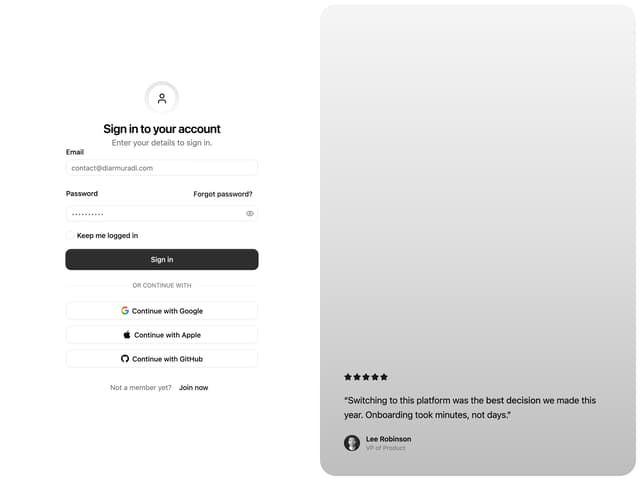
Split Sign In Form
62
ROI Pricing Calculator
53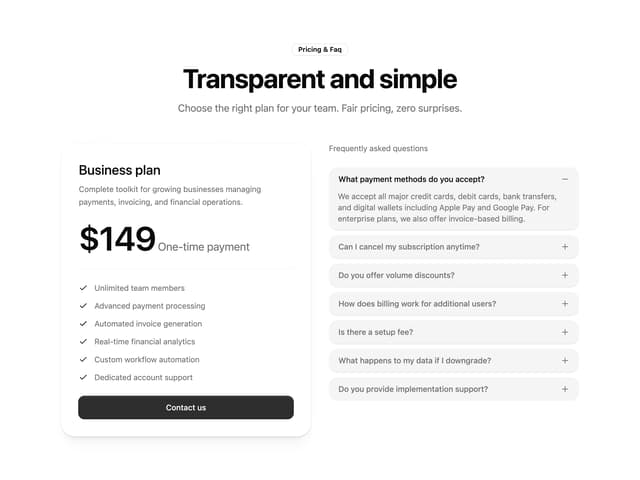
Pricing With FAQ
48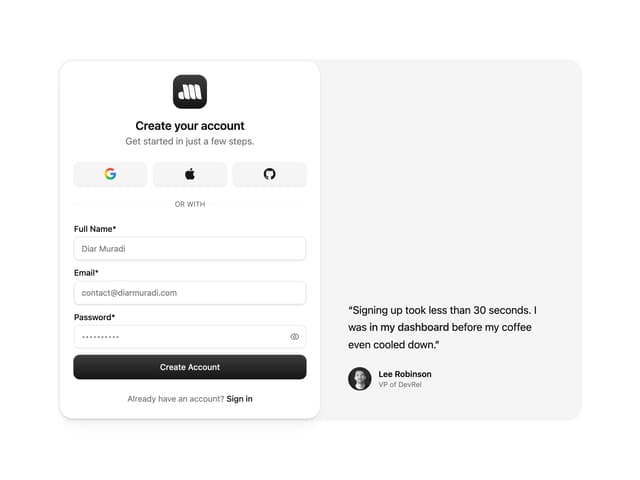
Sign Up Split Panel
44
Logo Orbit
38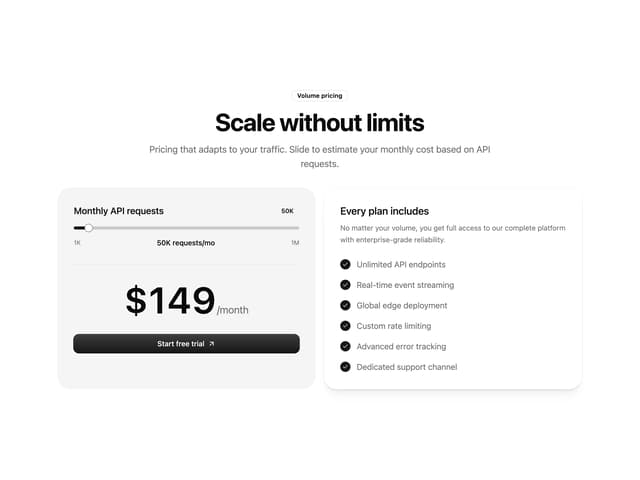
Volume Pricing Card
35
More in Testimonials
View all
testimonial
839

Testimonial
61

Staggered Testimonials Grid
150

Testimonials
248
Centered Testimonial
27
Testimonials Section
165
Testimonials Marquee
611

Card Studio
15

