
About
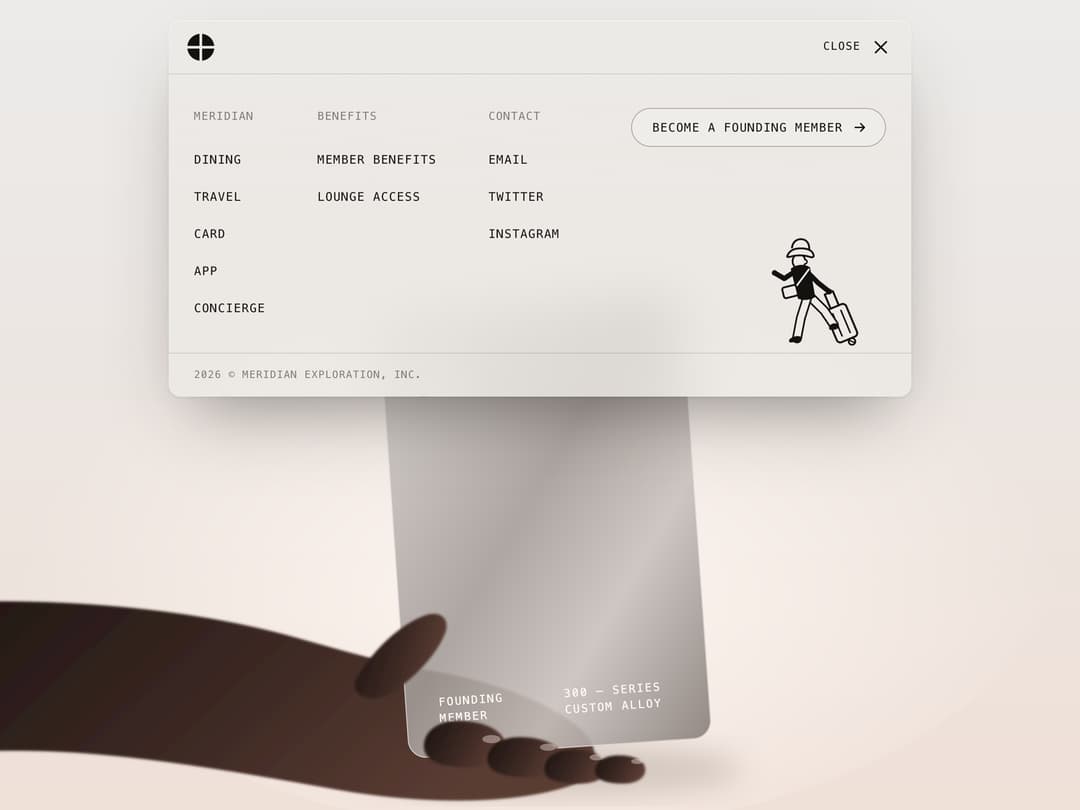
Glassmorphism navbar that unfolds in place into a full-screen menu: column heads, monospace links, a pill call-to-action and a ruled footer where a hand-drawn traveller walks, then runs when the CTA is hovered. React only, honours reduced motion.
Built with React and Tailwind. Copy the prompt and paste it into Claude Code, Cursor or Lovable: your agent adds Glassmorphism Navbar Menu to your project and fits it to your theme.
Code
How Glassmorphism Navbar Menu is used: the demo's code. The component's own source comes with a free account.
Usage.tsx
import React from "react"
import FrostedGlassMenu from "@/components/ui/frosted-glass-menu"

/**
 * The menu over a product hero, open on load. Everything behind the glass is
 * drawn here — a soft studio backdrop, an arm, and a translucent alloy card —
 * so the frost has real shapes to blur.
 */
export default function FrostedGlassMenuDemo() {
  return (
    <div
      style={{
        position: "relative",
        width: "100%",
        height: "100svh",
        minHeight: 640,
        overflow: "hidden",
        background: "linear-gradient(180deg, #ecebea 0%, #ece6e2 45%, #efe0d8 100%)",
      }}
    >
      <Scene />
      <div style={{ position: "relative", paddingTop: 8 }}>
        <FrostedGlassMenu defaultOpen />
      </div>
    </div>
  )
}

function Scene() {
  return (
    <svg
      viewBox="0 0 1200 800"
      preserveAspectRatio="xMidYMax slice"
      aria-hidden="true"
      style={{ position: "absolute", inset: 0, width: "100%", height: "100%", maxWidth: "none" }}
    >
      <defs>
        <radialGradient id="fgm-demo-glow" cx="0.5" cy="0.62" r="0.5">
          <stop offset="0" stopColor="#fff7f2" stopOpacity="0.9" />
          <stop offset="1" stopColor="#fff7f2" stopOpacity="0" />
        </radialGradient>
        <linearGradient id="fgm-demo-skin" x1="0" y1="0" x2="1" y2="0.3">
          <stop offset="0" stopColor="#1b1210" />
          <stop offset="0.55" stopColor="#3a2722" />
          <stop offset="1" stopColor="#5a3c33" />
        </linearGradient>
        <linearGradient id="fgm-demo-alloy" x1="0" y1="0" x2="1" y2="1">
          <stop offset="0" stopColor="#d9d4d1" stopOpacity="0.92" />
          <stop offset="0.45" stopColor="#a49c98" stopOpacity="0.88" />
          <stop offset="0.7" stopColor="#c9c2be" stopOpacity="0.9" />
          <stop offset="1" stopColor="#8a817d" stopOpacity="0.92" />
        </linearGradient>
        <linearGradient id="fgm-demo-sheen" x1="0" y1="0" x2="1" y2="0">
          <stop offset="0.35" stopColor="#fff" stopOpacity="0" />
          <stop offset="0.5" stopColor="#fff" stopOpacity="0.55" />
          <stop offset="0.65" stopColor="#fff" stopOpacity="0" />
        </linearGradient>
        <clipPath id="fgm-demo-card-clip">
          <rect x="455" y="300" width="300" height="440" rx="18" />
        </clipPath>
        <filter id="fgm-demo-skin-soft">
          <feGaussianBlur stdDeviation="1.2" />
        </filter>
        <filter id="fgm-demo-soft" x="-20%" y="-20%" width="140%" height="140%">
          <feGaussianBlur stdDeviation="14" />
        </filter>
      </defs>

      <ellipse cx="600" cy="520" rx="520" ry="300" fill="url(#fgm-demo-glow)" />
      <ellipse cx="610" cy="760" rx="190" ry="26" fill="#3a2a24" opacity="0.18" filter="url(#fgm-demo-soft)" />

      {/* forearm and palm, behind the card */}
      <g filter="url(#fgm-demo-skin-soft)">
        <path
          fill="url(#fgm-demo-skin)"
          d="M-60 600C80 586 240 596 360 630c50 14 92 26 130 32 60 10 118 30 150 58 22 20 18 46-10 56-60 20-150 18-230 4-90-16-170-30-250-36-80-6-160 0-210 6Z"
        />
      </g>

      {/* the card, held upright */}
      <g transform="rotate(-4 600 520)">
        <rect x="455" y="300" width="300" height="440" rx="18" fill="url(#fgm-demo-alloy)" />
        <g clipPath="url(#fgm-demo-card-clip)">
          <rect x="455" y="300" width="300" height="440" fill="url(#fgm-demo-sheen)">
            <animate attributeName="x" values="155;755;155" dur="9s" repeatCount="indefinite" />
          </rect>
        </g>
        <rect x="455.5" y="300.5" width="299" height="439" rx="17.5" fill="none" stroke="#fff" strokeOpacity="0.5" />
        <rect x="488" y="350" width="44" height="34" rx="6" fill="#e8e2dc" stroke="#9b918b" />
        <path d="M488 367h44M510 350v34" stroke="#9b918b" />
        <g fill="#fbf8f6" fontFamily="ui-monospace, Menlo, monospace" fontSize="11" letterSpacing="1.4">
          <text x="488" y="690">FOUNDING</text>
          <text x="488" y="706">MEMBER</text>
          <text x="612" y="690">300 — SERIES</text>
          <text x="612" y="706">CUSTOM ALLOY</text>
        </g>
      </g>

      {/* thumb up the left edge, fingers curled round the bottom */}
      <g fill="url(#fgm-demo-skin)" filter="url(#fgm-demo-skin-soft)">
        <path d="M420 668c18-30 44-52 66-60 16-6 26 4 20 18-8 20-28 42-52 58-18 12-46 4-34-16Z" />
        <path d="M486 742c-4-16 10-30 32-30 26 0 44 8 48 22 4 14-10 24-34 24-24 0-42-4-46-16Z" />
        <path d="M548 752c-2-14 12-24 32-24 24 0 40 8 42 20 2 12-12 20-32 20-22 0-40-4-42-16Z" />
        <path d="M604 760c0-12 12-20 28-20 20 0 34 8 34 18s-10 16-28 16c-20 0-34-4-34-14Z" />
        <path d="M654 762c0-10 10-16 24-16 16 0 26 6 26 14s-8 14-22 14c-16 0-28-4-28-12Z" />
      </g>
      <g fill="#f6ece8" opacity="0.4">
        <ellipse cx="552" cy="730" rx="9" ry="4" />
        <ellipse cx="608" cy="738" rx="8" ry="3.5" />
        <ellipse cx="656" cy="748" rx="7" ry="3" />
        <ellipse cx="696" cy="752" rx="6" ry="2.6" />
      </g>
    </svg>
  )
}
More by Kedhareswer Naidu
View all

Glassmorphism Folder Cards
3.5K
GitHub Contribution Graph 3D Heatmap
1.9K
Halftone Wordmark Footer
1.6K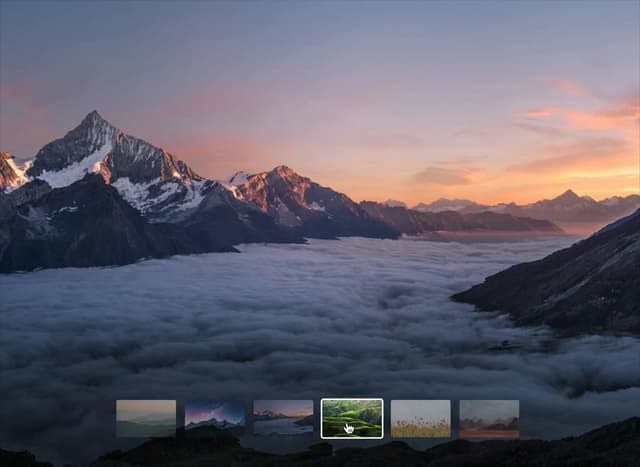
Morph Gallery
1.5K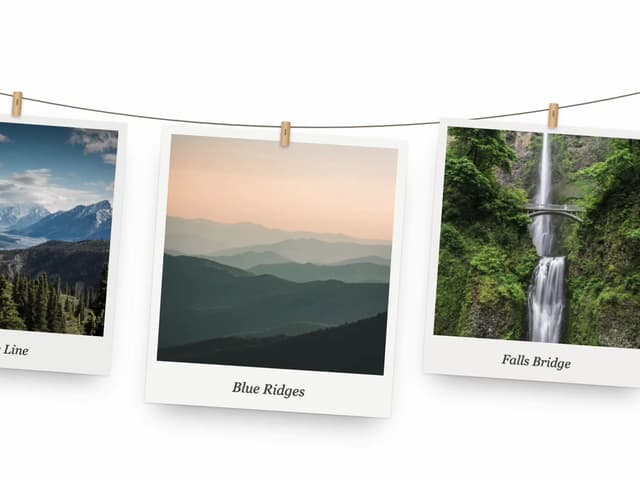
Hanging Polaroid Image Carousel
997
Glass Cards
752
Animated Features Bento with Live Diagrams
750
Tiger Tear Reveal
688
More in Navigation
View all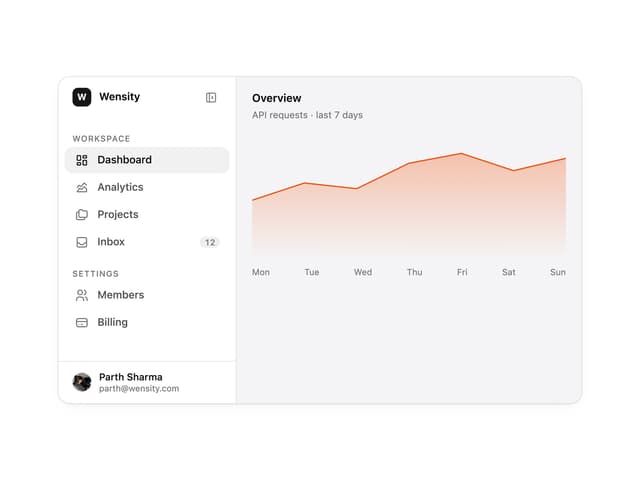

Sidebar
296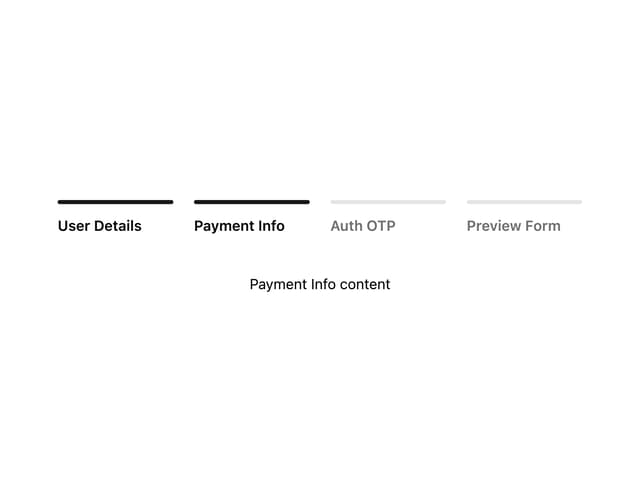

Progress Bar Stepper
44
Tabs
16
Navbar
1
Breadcrumb
103

Capsule Tabs
21
Pagination
27
Pagination with Ellipsis
18
