
About
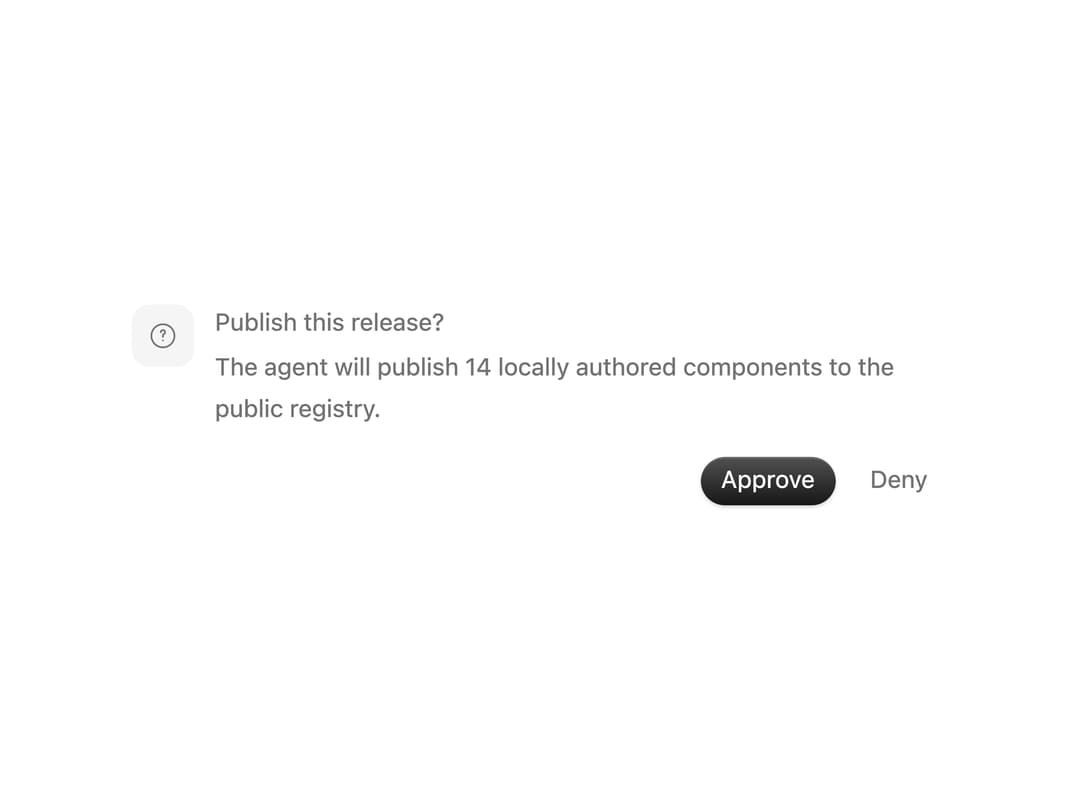
A human-in-the-loop decision surface for questions, review steps, and consequential actions.
Built with React and Tailwind. Copy the prompt and paste it into Claude Code, Cursor or Lovable: your agent adds Approval Card to your project and fits it to your theme.
Code
How Approval Card is used: the demo's code. The component's own source comes with a free account.
Usage.tsx
import { useState } from 'react'
import ApprovalCard from '@/components/ui/approval-card'

export default function Demo() {
  const [status, setStatus] = useState<'approved' | 'denied' | 'pending'>('pending')

  return (
    <ApprovalCard
      className="w-full max-w-lg"
      description="The agent will publish 14 locally authored components to the public registry."
      onDecision={(decision) => setStatus(decision === 'approve' ? 'approved' : 'denied')}
      status={status}
      title="Publish this release?"
    />
  )
}
Dependencies
More by Syed Hasnain
View all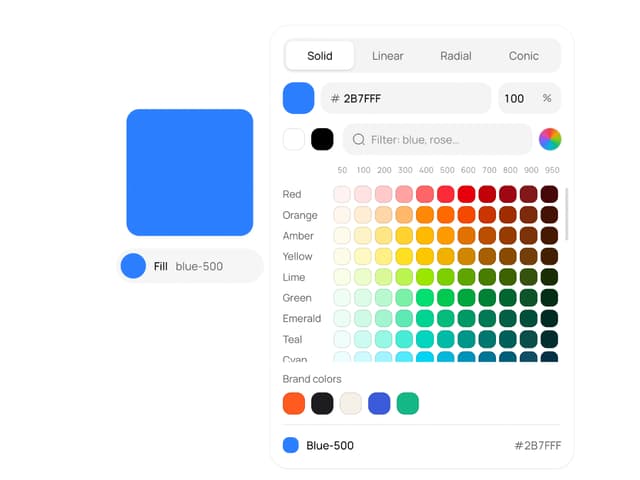
Color Picker
118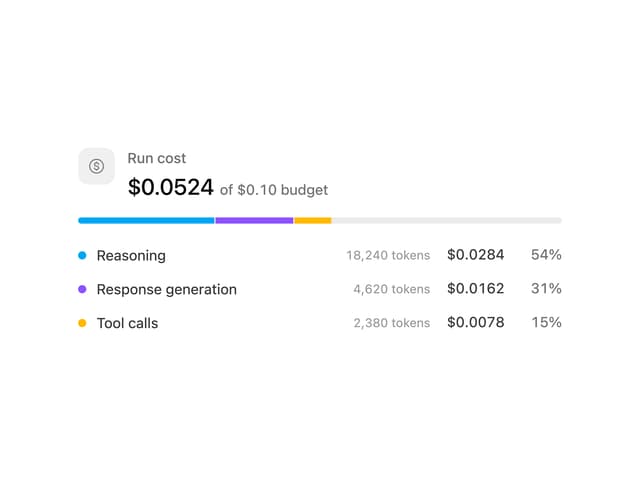
Cost Meter
36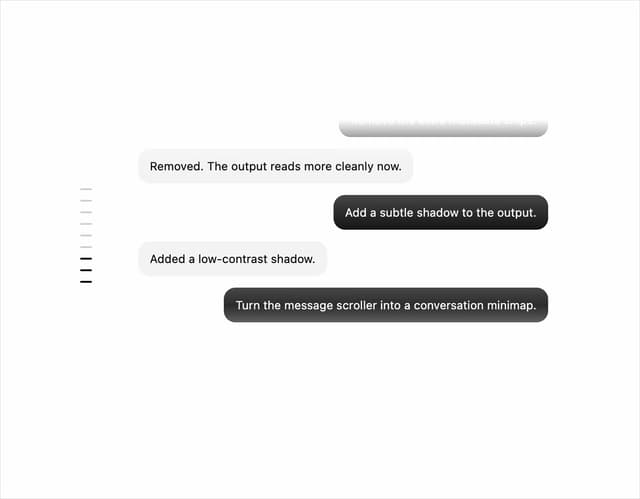
Message Scroller
30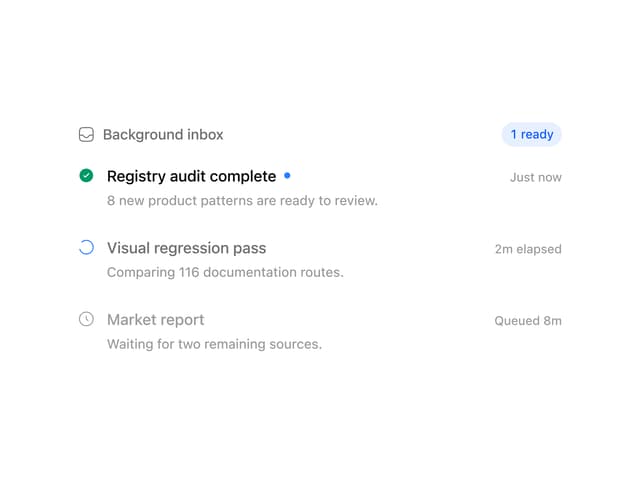
Background Inbox
28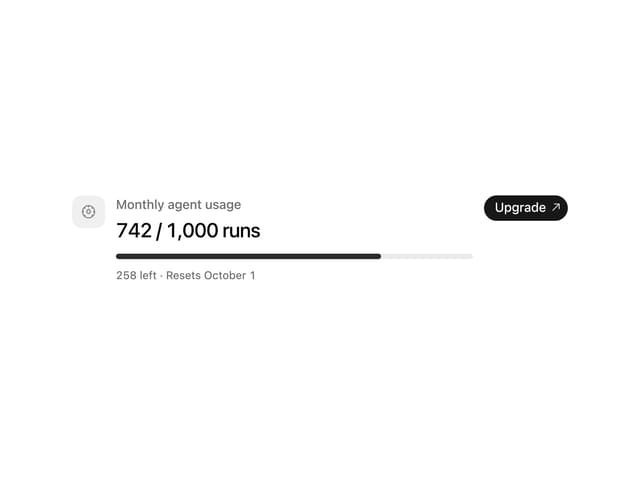
Quota Banner
26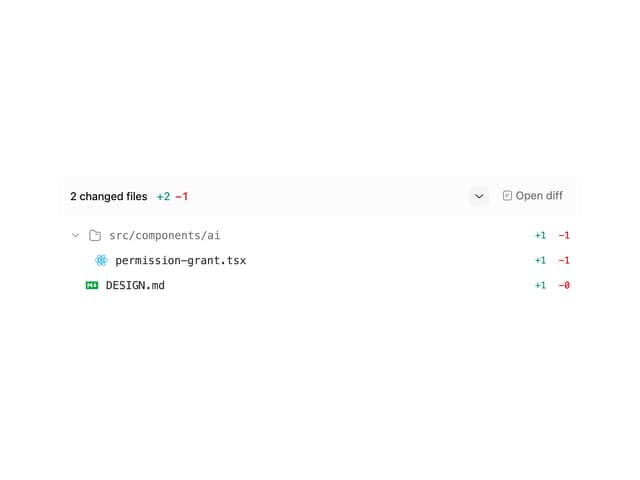
Commit
25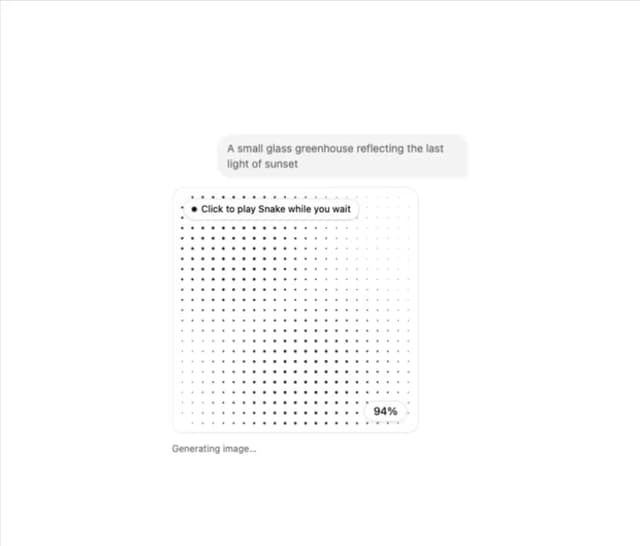
Image Generation Loader
23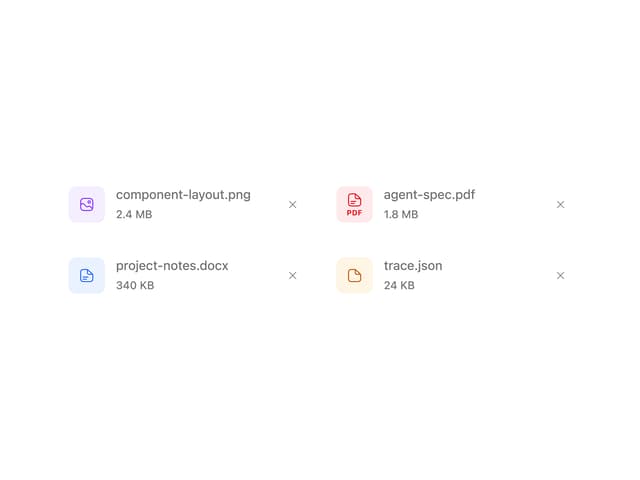
Attachments
23
More in AI chats
View all

AI Actions
326
Agent Chat
18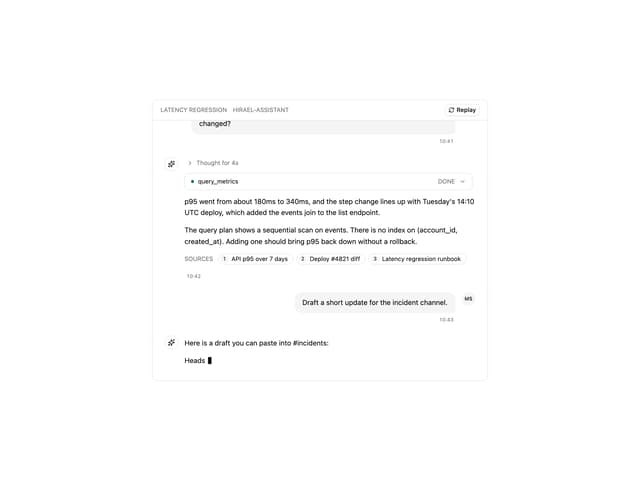
Message Thread
49
Memory Scope
3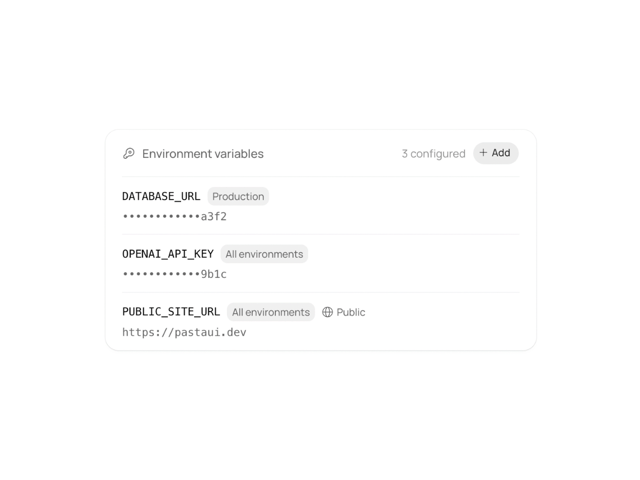
Environment Variables
16
Chat Bubble
190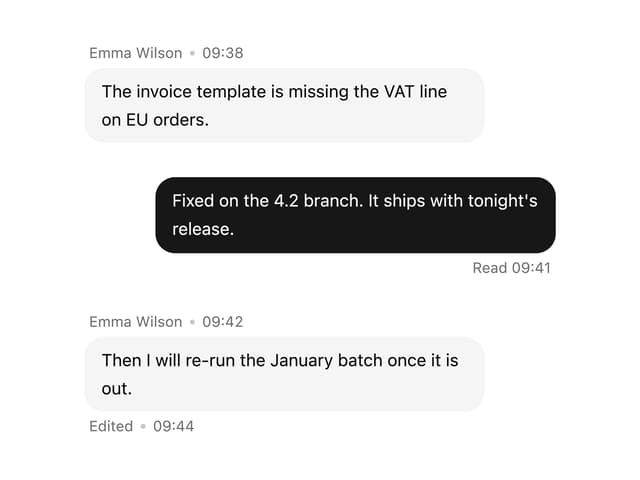

Message With Header And Delivery Status
43

AI Task List
169


